Spending time documenting only becomes useful if your team can find the information they’re looking for at the specific time they need it. How many times have you come across useful resources that you save for later, only to end up struggling to find them when it comes time? The file doesn’t live within the folder you’d suspect and searching for it provides results to no avail.
If you want to prevent incidents of lost information, utilizing a consistent naming convention and logical folder structure across your entire organization is vital.
Naming Standards and Folder Structure
A naming convention refers to the framework for how documents, assets, passwords, etc., are labeled within your organization's software. By establishing a clear and consistent naming convention, you ensure that everyone on your team understands HOW to name files and can easily locate them when needed.
In addition to naming conventions, a logical and hierarchical folder structure is essential for effective documentation. A well-organized folder structure mirrors the way your team thinks about and accesses information. It should be intuitive, with a clear top-down approach that categorizes documents from broad to specific, ensuring that users can navigate through folders with ease.
By implementing and adhering to consistent naming conventions and a logical folder structure, your organization can vastly improve its documentation practices. This ensures that information is not only well-organized but also easily accessible, improving efficiency and reducing the likelihood of errors and miscommunication.
The strategies we’ve outlined below are collected directly from all of our clients and are proven ways that they improved their structure with Hudu.
Success Strategies
1. Maintain a document for how your organization names and organizes information. When starting to create your naming convention, ask yourself these questions:
- What files/group of files will the convention cover?
- What information is important about the files and makes each distinct?
- What is the order you’d like to put the metadata? Think about how your users will search for it.
- What characters will you use to separate each piece of metadata in the file name? Underscores tend to be the most ‘safe’ — some programs cannot search certain characters, can’t handle spaces in names, may already carry meaning for certain characters
- Will you need to track different versions of each file?
Get started with our "How to Document" document
2. Be consistent. Consistent naming conventions and folder structure play a crucial role in creating an organized and intuitive documentation system. They help in categorizing and sorting information logically, making it easier for team members to retrieve specific documents quickly.
- The same information in the same order.
- The same date format.
- The same abbreviations and acronyms.
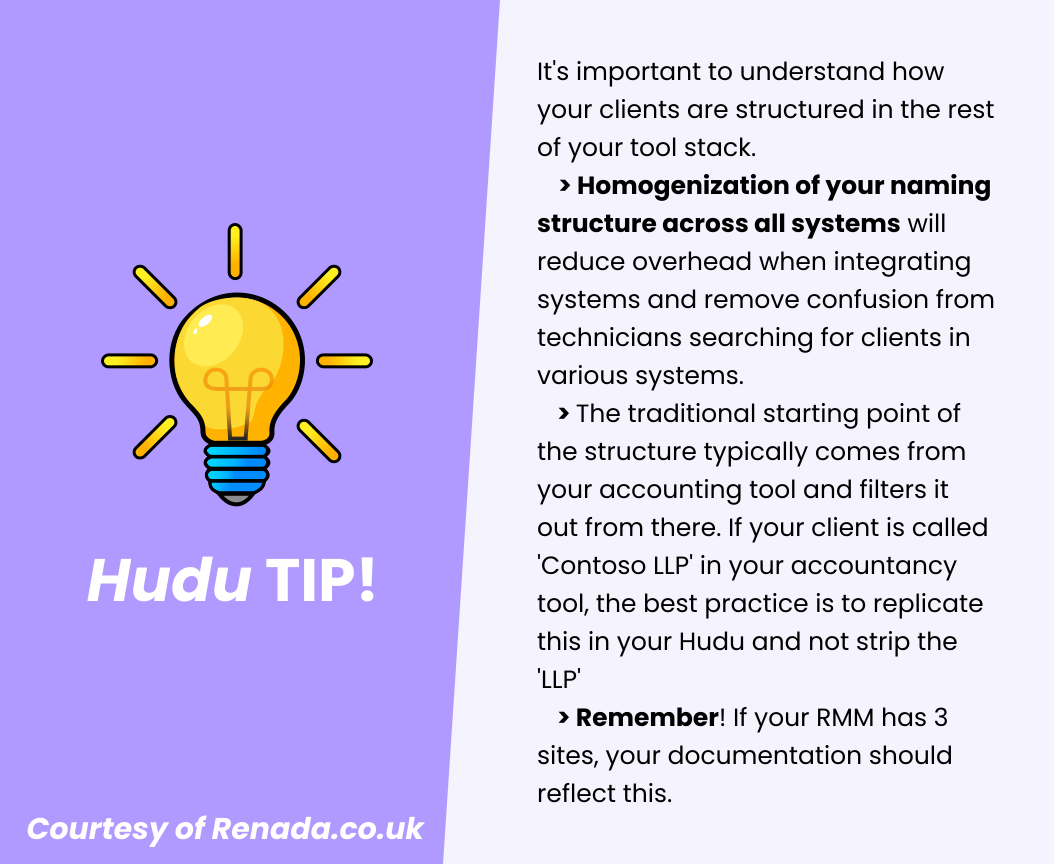
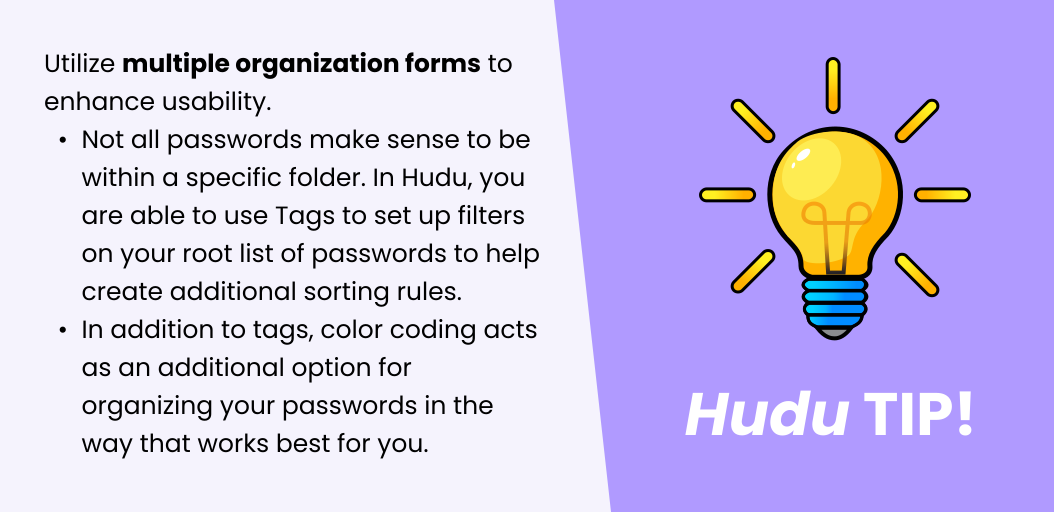
3. Develop a logical and hierarchical folder structure — make it easy to find and store documents.
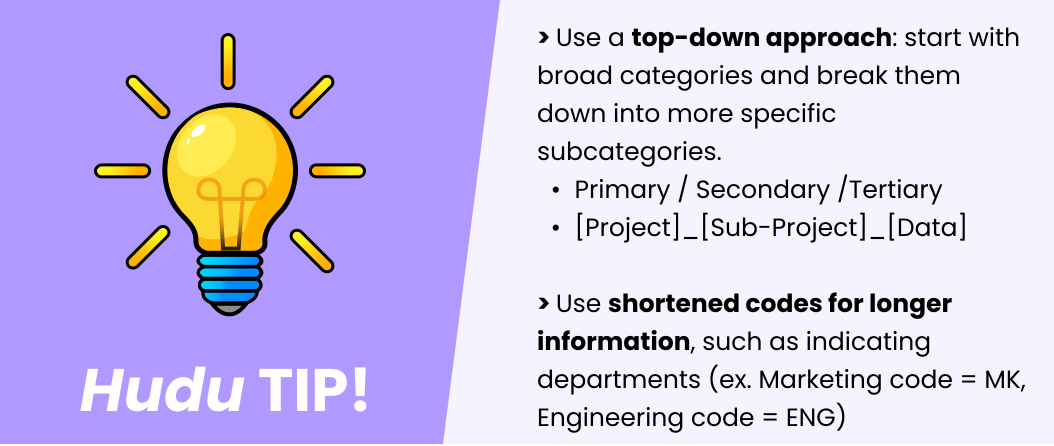
Read more tips on Folder Structure
4. Use only numbers, letters, or underscores within your naming convention
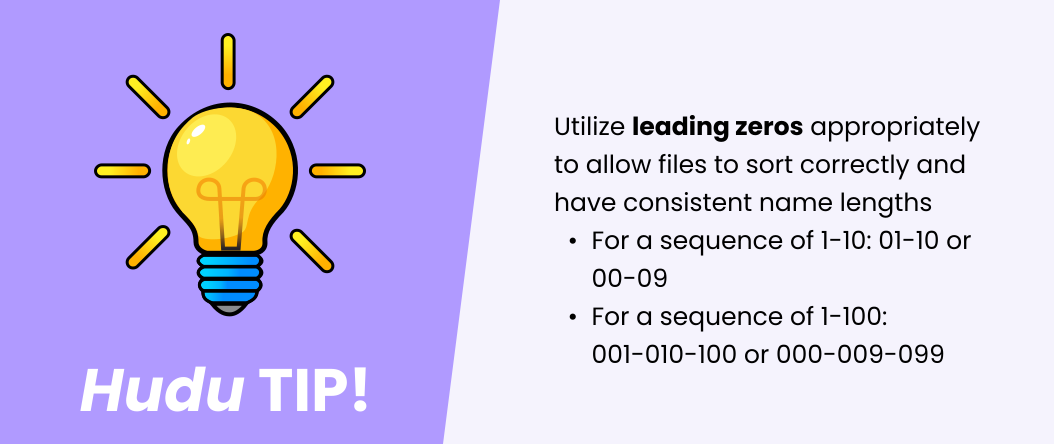
5. Avoid using vague or overly complex names that can cause confusion.
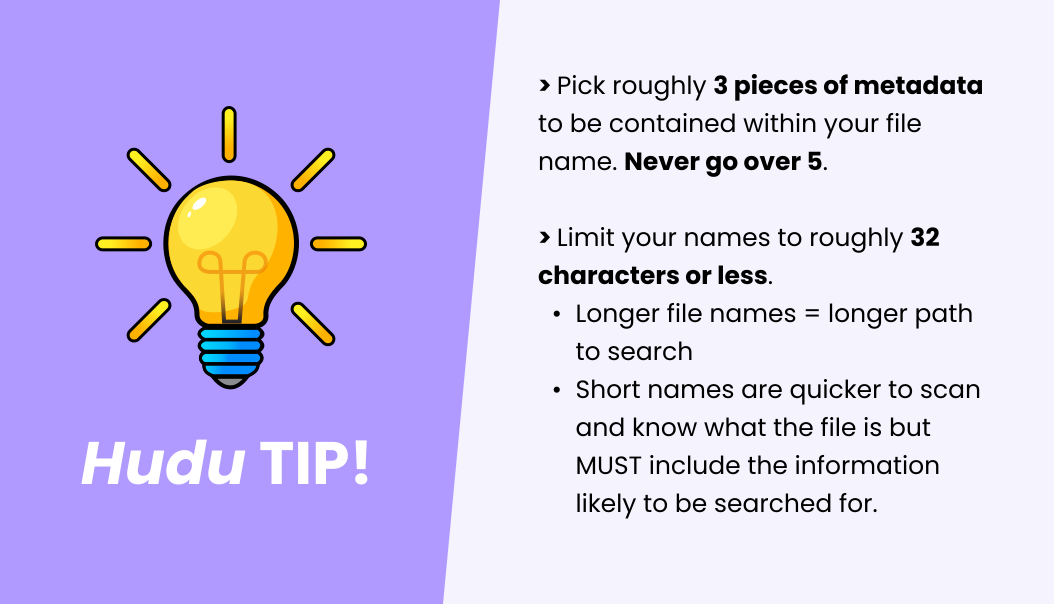
6. Use descriptive names that include key information.
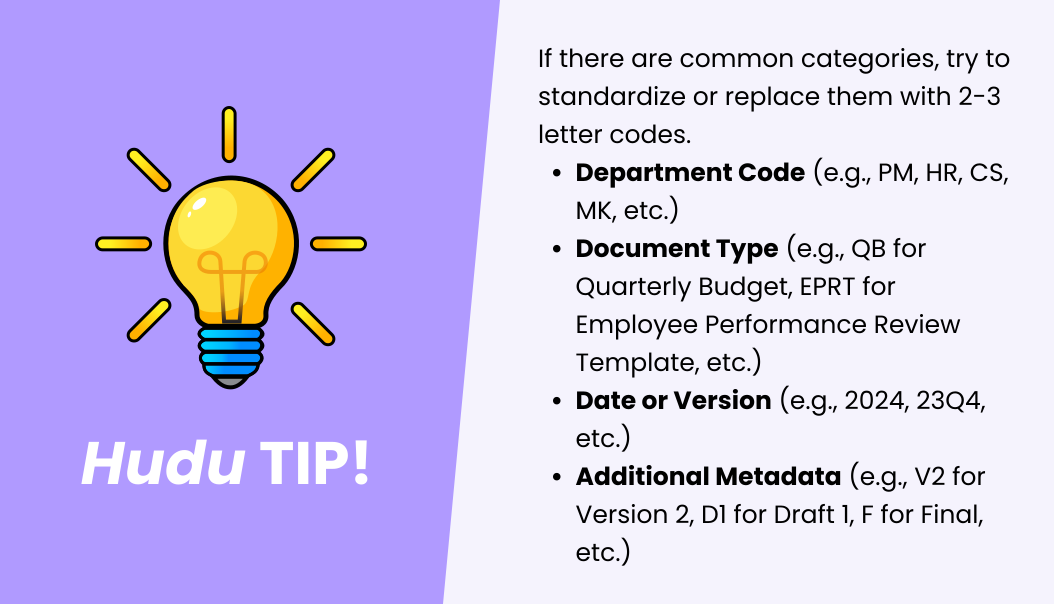
Read more tips on Naming Standards
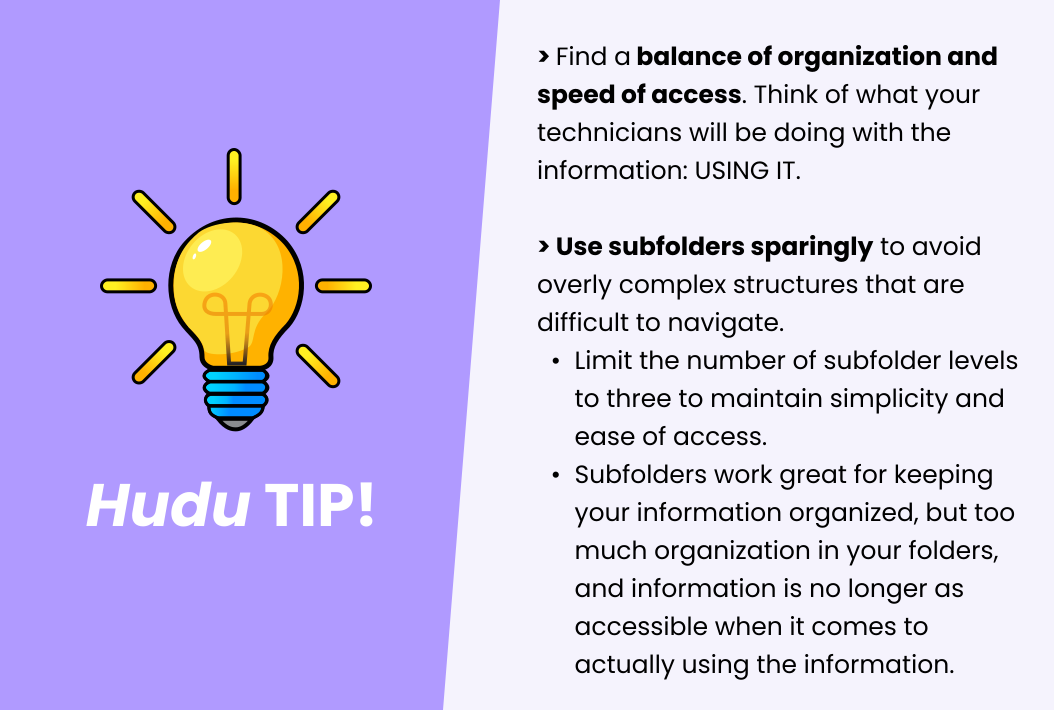
7. Limit the number of subfolder levels to maintain simplicity. Although it may appear cleaner, a large number of sub-folders can silo information and cause it to be more difficult to find.
8. Schedule reviews of your naming conventions and folders periodically to ensure that the system is still working for your team and that you do not need to adjust.

Wrapping It Up
By implementing a consistent naming convention and logical folder structure, your organization can prevent incidents of lost information and ensure that valuable resources are easily found when needed. This approach mirrors the intuitive way your team thinks about and accesses information, enhancing efficiency and reducing the frustration of misplaced documents. Ultimately, these practices lead to better organization, improved collaboration, and seamless knowledge management across your entire team.