
Securing your Documentation
Tips & Tricks: Secure Notes
Use secure notes smarter: lock down confidential details, manage access, and keep your documentation safer.
Sharing sensitive information can be scary! Hudu's built-in encrypted share options allow you to easily provide clients with sensitive information.
You can directly share one-off notes securely with your end-users! These links can be created from the "paper airplane" icon at the top right of the External Portal page as well as from the Company Overview page. Our secure notes section works similarly to our quick-share links and allows you to:
- Include a message
- Select how long you'd like the link to remain active - from 30 minutes to one week
- Have the link expire after the first view
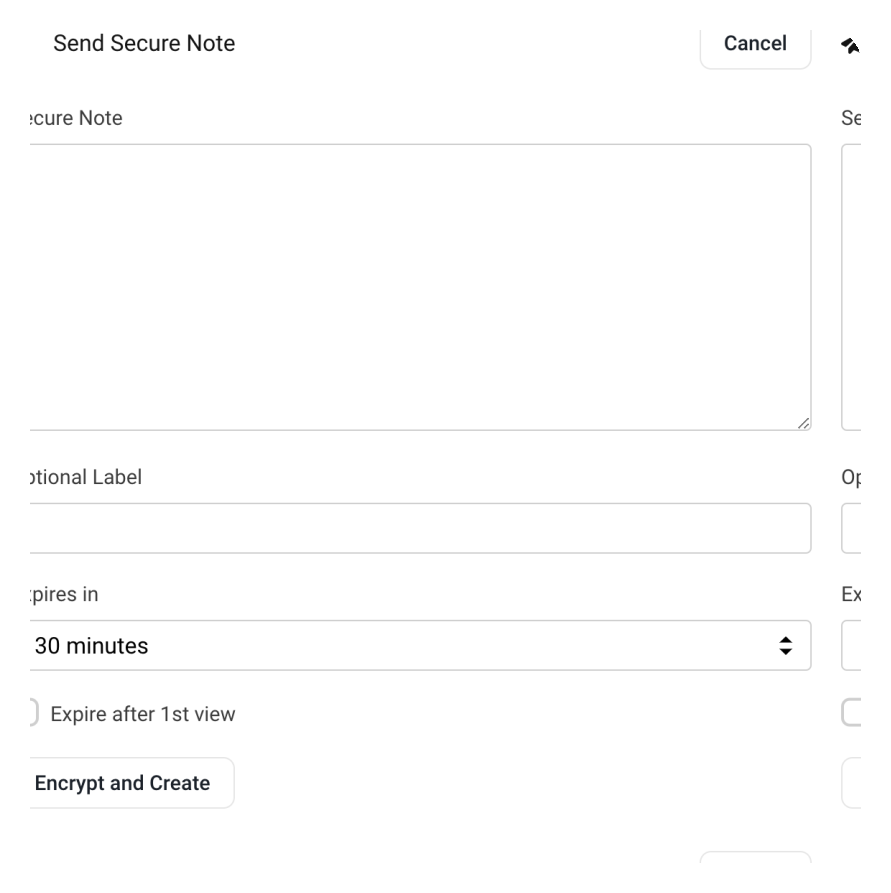
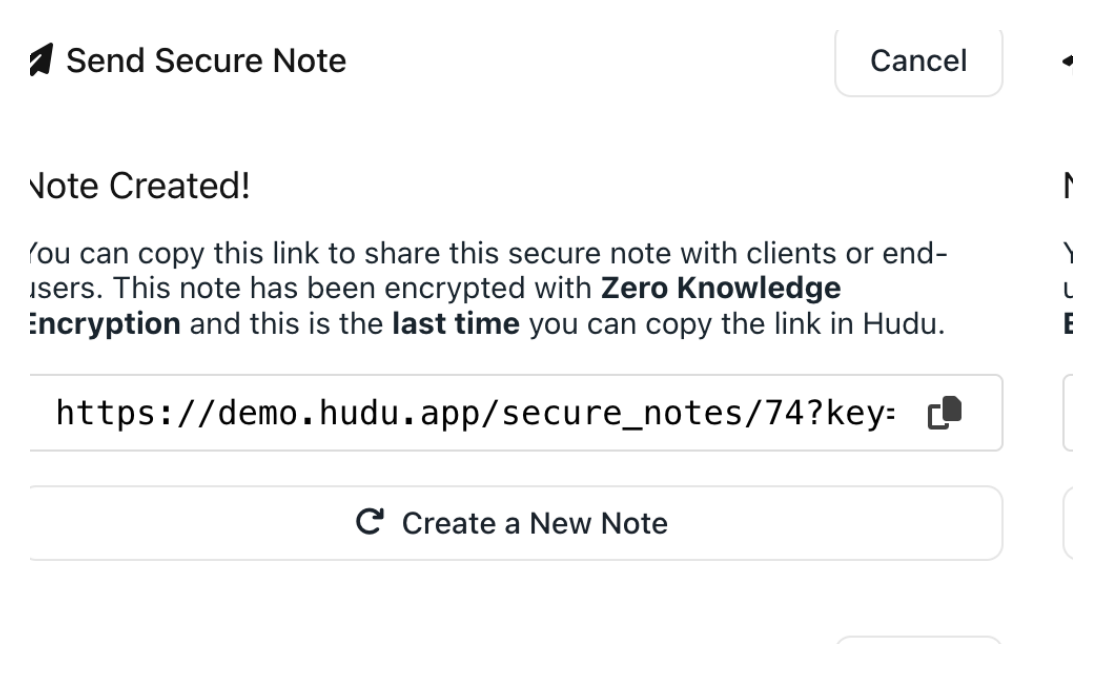
Secure notes are encrypted with Zero Knowledge encryption. Once you select "Encrypt and Create", it can no longer be re-accessed. Therefore, navigating away or refreshing the page will require you to create a new note. If "Expire after 1st view" is selected, viewers can only access the information contained in the note once. You can then share the link to the note, as seen below.
See what calm feels like
Give your team a documentation system they can rely on — during onboarding, incidents, and everything in between