

About Neuland IT Solutions GmbH & Co. KG
Hendrik Neuland, CEO of Neuland IT Solutions, knew their legacy system of Excel and Word documents in SharePoint wasn’t cutting it. Formatting was inconsistent, collaboration was limited, and visibility into changes was nearly nonexistent. As an MSP managing over one hundred clients, the need for a better solution was clear. Since switching to Hudu, Neuland IT Solutions has fully embraced it as their central hub for documentation, knowledge, and client collaboration. They’ve doubled their team size, sped up onboarding by 1.5x, and condensed tools thanks to Hudu’s built-in features.
- Location: Norden, Germany
- Business type: MSP
- Customer since: 2024
- Website: https://neuland-it.de/
What was your documentation like before and what led you to switch to Hudu?
Prior to Hudu, we were utilizing Excel and SharePoint as our main form of documentation. We needed something more secure, consistent, and transparent. With our previous tool we were faced with these challenges:
- No revision history or access logs.
- Each client’s documentation looked different.
- Password sharing wasn’t secure.
- We needed one source of truth.
How has Hudu changed the way your team operates?
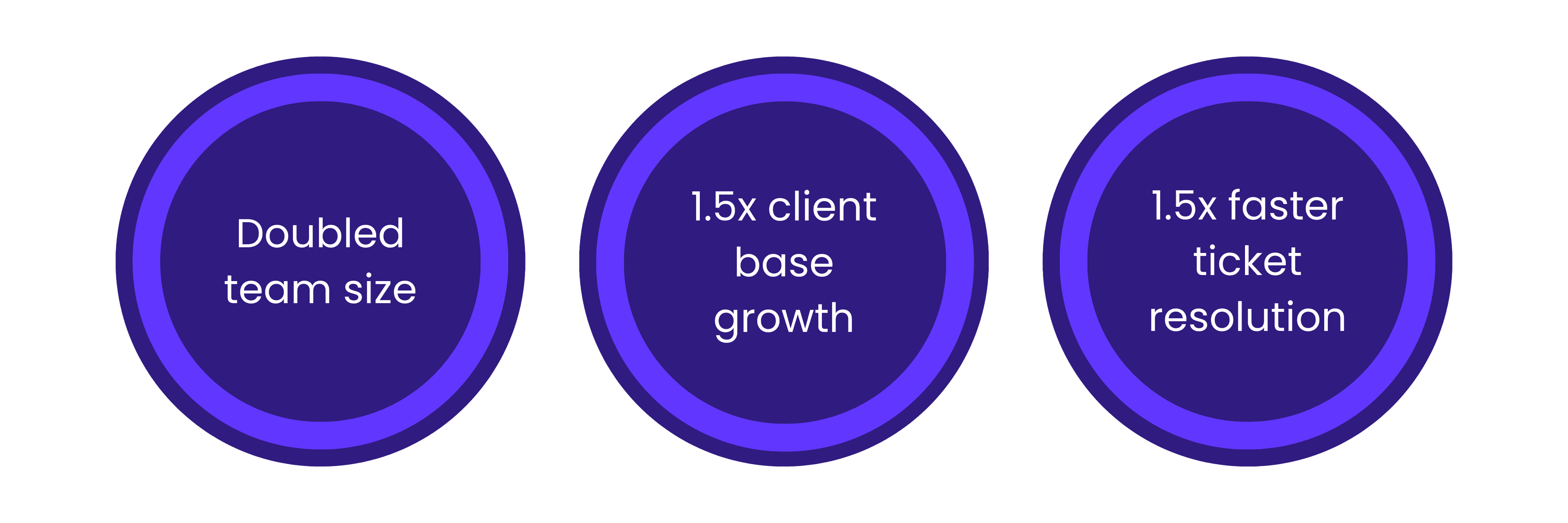
We’ve doubled our team size
- Since adopting Hudu, we’ve doubled our staff size, and onboarding new technicians is now 1.5x faster.
We support more clients
- We're able to support over 100 clients without losing control of our documentation.
Ticket resolution is noticeably faster
- We’re resolving issues about 1.5x faster.
Which Hudu features have become most valuable to your workflow?
We use nearly every feature in Hudu. It’s become our single source of truth for knowledge, guidelines, and client IT documentation. The mobile app is especially useful for our technicians in the field, making their work much easier. We also rely on the built-in website monitoring to know when client websites go offline. In fact, we ended up canceling UptimeRobot because Hudu covers that need so well.
Knowledge base
- Hudu’s Knowledge Base lets teams create, organize, and access documentation in a structured format. For Neuland IT Solutions, this replaced a fragmented Excel and Word system with one centralized, consistent platform.
Custom asset layouts
- With Hudu’s custom asset layouts, you can structure documentation to fit how you actually work. Neuland IT Solutions took advantage of this flexibility to standardize how they document client infrastructure, making it easier for technicians to locate critical info quickly.
Password sharing
- Hudu offers secure password storage with role-based access and external quick-share links, making it easy to share credentials without compromising security. Neuland IT Solutions uses this feature to safely collaborate with clients, offering transparency while maintaining control.
Activity logs
- Hudu’s activity logs track who accessed or changed any piece of documentation, adding a layer of accountability and auditability. This gave them the visibility they were missing in their previous system. Now, they always know who made edits, when changes happened, and that their documentation integrity is intact.
Mobile App
- Hudu’s mobile app gives technicians access to the full power of their documentation anywhere they are. For Neuland IT Solutions, this transformed onsite work. With everything accessible on their phones, client visits are faster and more productive.
Why would you recommend Hudu to other MSPs?
- The UI is simple and intuitive.
- Custom layouts without complexity.
- Fair licensing model.
- Increases our professionalism.