All Improvements
- New, enhanced relations. You can now easily relate items in the sidebar, with categories grouped together.
- Liongard Integration. Our newest integration, you can now bring in all environments, inspectors, and system data from Liongard.
- Asset Tags. When assets are tagged, an inverse link now appears on the asset it was tagged towards.
- QR Codes. Assets now have QR codes that will open up the link to the asset.
- Toggle Split View on asset and website views.
- Magic Dash – A brand new feature to easily script informational views from outside sources.
- New streamlined header.
- API Enhancement – Find asset by serial number endpoint
- Job title has been added to our Syncro Integration.
- Process Enhancement – Processes can now be attached directly to companies, instead of solely to relevant assets. This makes client/location onboarding processes very easy!
- Process Enhancement – You can also mark a global process as an onboarding guide, meaning it is highlighted on all new clients.
- We now use your system default font across Hudu.
- Add company ID number for VATs, other company identification, etc.
- You can now manually delete exports.
- Loom videos are now supported as an embed.
- Draw.io diagrams are now supported.
- API Enhancement – You can now restrict API keys to a specific client/company/location.
- Asset Layouts can now be easily toggled inactive/active.
- The custom favicon is now used for the Apple Touch Icon.
- Primary fields. Integrations now sync into a number of primary fields for matching.
- New max line size on articles.
- User is now added on Connectwise Manage configurations
- Asset Tags now show on asset listing pages.
- Streamlined design of Hudu.
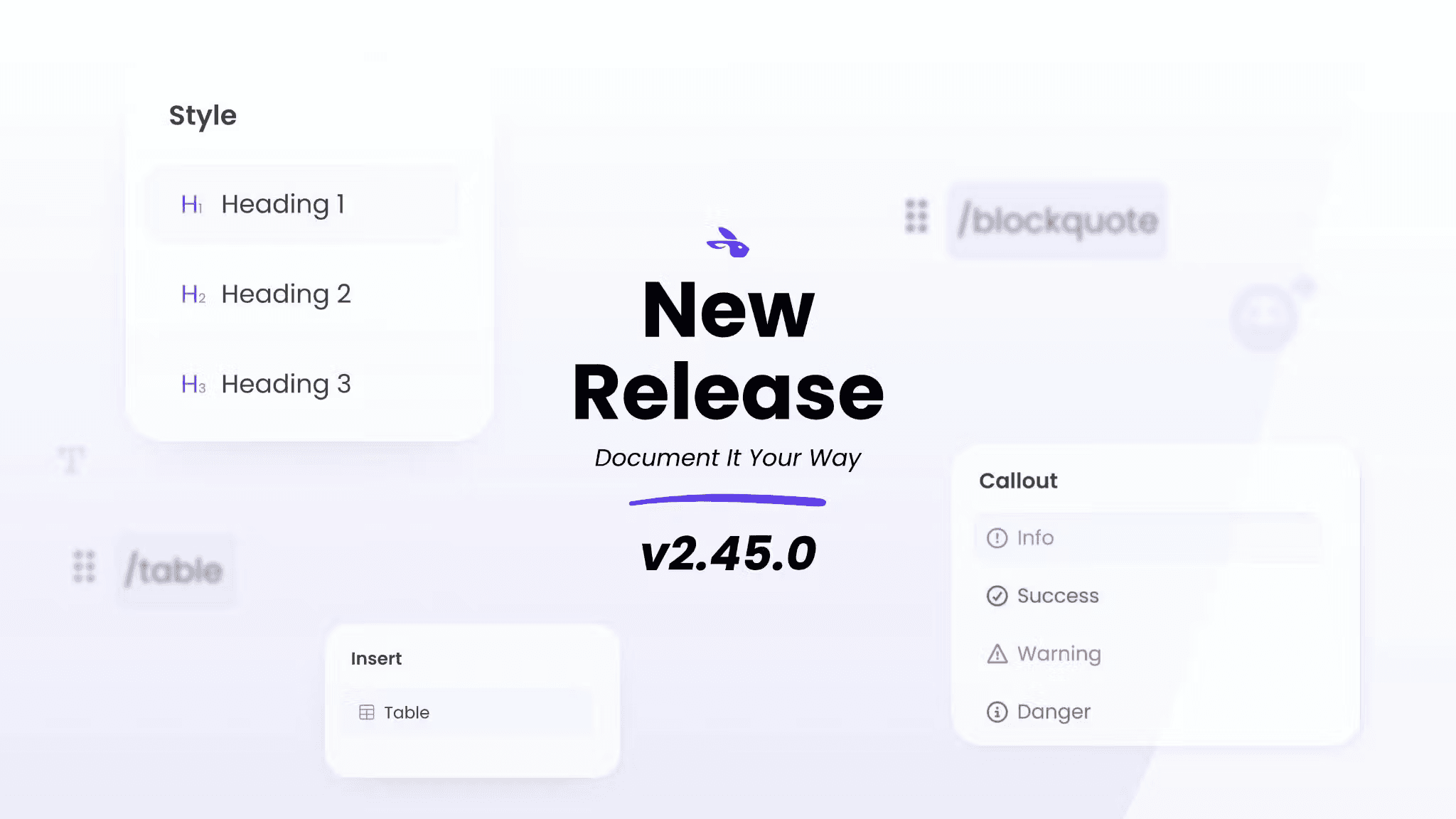
- Multiple improvements regarding the Article Editor
- Draft restores now happen automatically, you don’t have to click a “Restore” button to save time
- Autosaving – we only send information back to the server when new changes are made, leading to a speedier editing experience.
- “Are you sure you want to leave?” messages when you try and leave unsaved changes.
- Asset Subcategories. You can now use asset subcategories to group assets together.
- Better PDF Handbook design.
- Added a “Common Admin Actions” section to the admin to make for quicker admin actions.
- 2FA now includes a key with the QR code
- Resizable sidebar. You can now resize the sidebar in Hudu. If you need a longer, wider sidebar, just drag it out!
- Company Quick Adder – It is now easier than ever to add information to a company in Hudu. Use the “New…” button, and a list of options to add information into will pop up.
Fixes
- The Autotask integration now uses their new REST API, meaning faster syncs and a few syncing issues have now been resolved.
- Fixed ability to remove the first super admin.
- Fixed an issue where certain sign in attempts were not showing.
- Fixed Safari PDF reader issue.
- Fixed mobile pinned companies disappearing.
- Trigger Password Viewed Alert on Edit Password
- Dark mode. Color blocks are now fixed in the editor.
- Add last user, service tag, warranty expiration to Datto RMM PDF.
- Removed wave background on Reset Passwords.
Misc.
- Fast Facts was replaced by our new feature, Magic Dash.
- We added a name for the shareable reports that processes are given: Status Reports